Product updates, improvements, and launch notes for Capiero.
iOSWeb
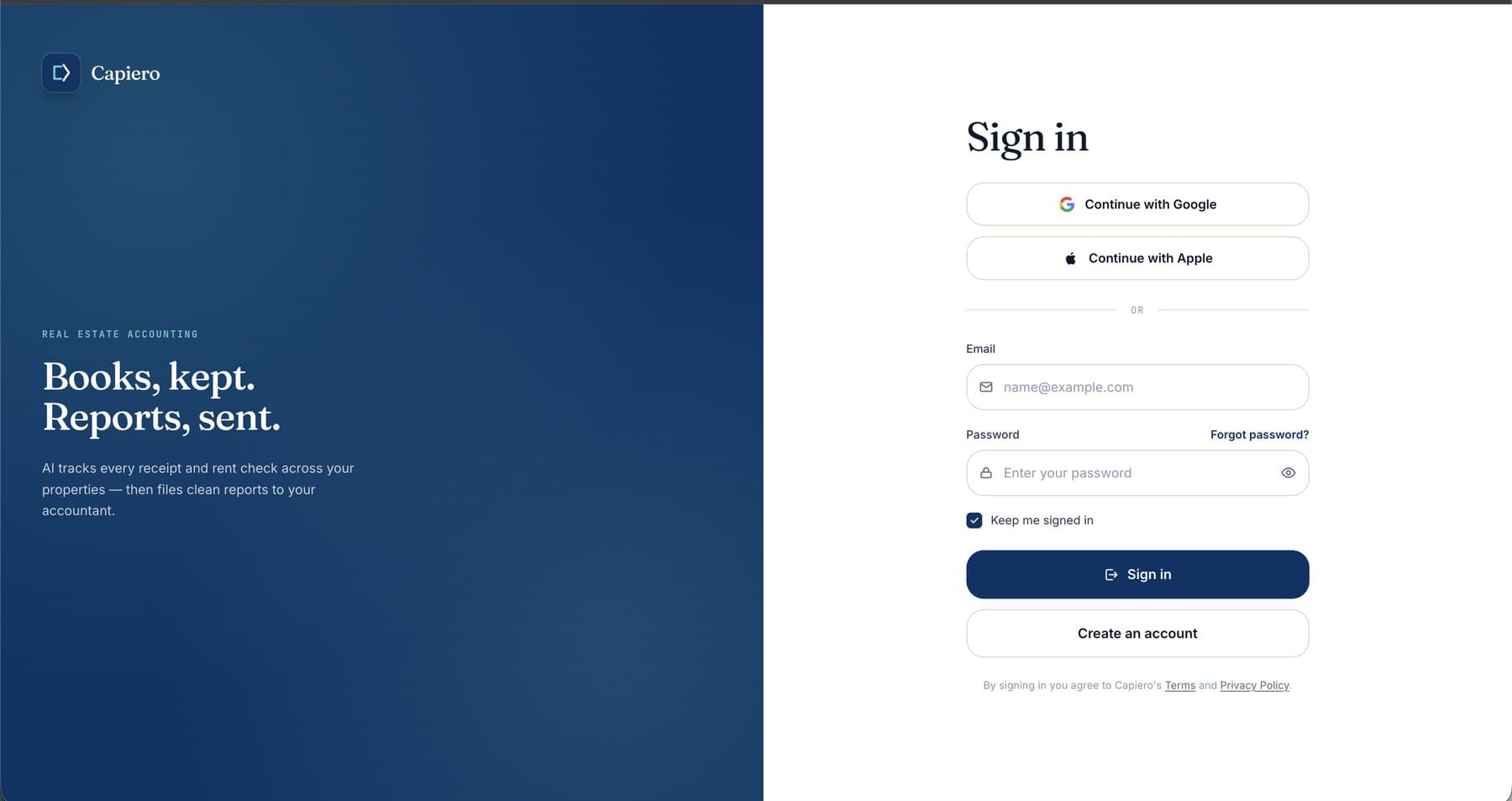
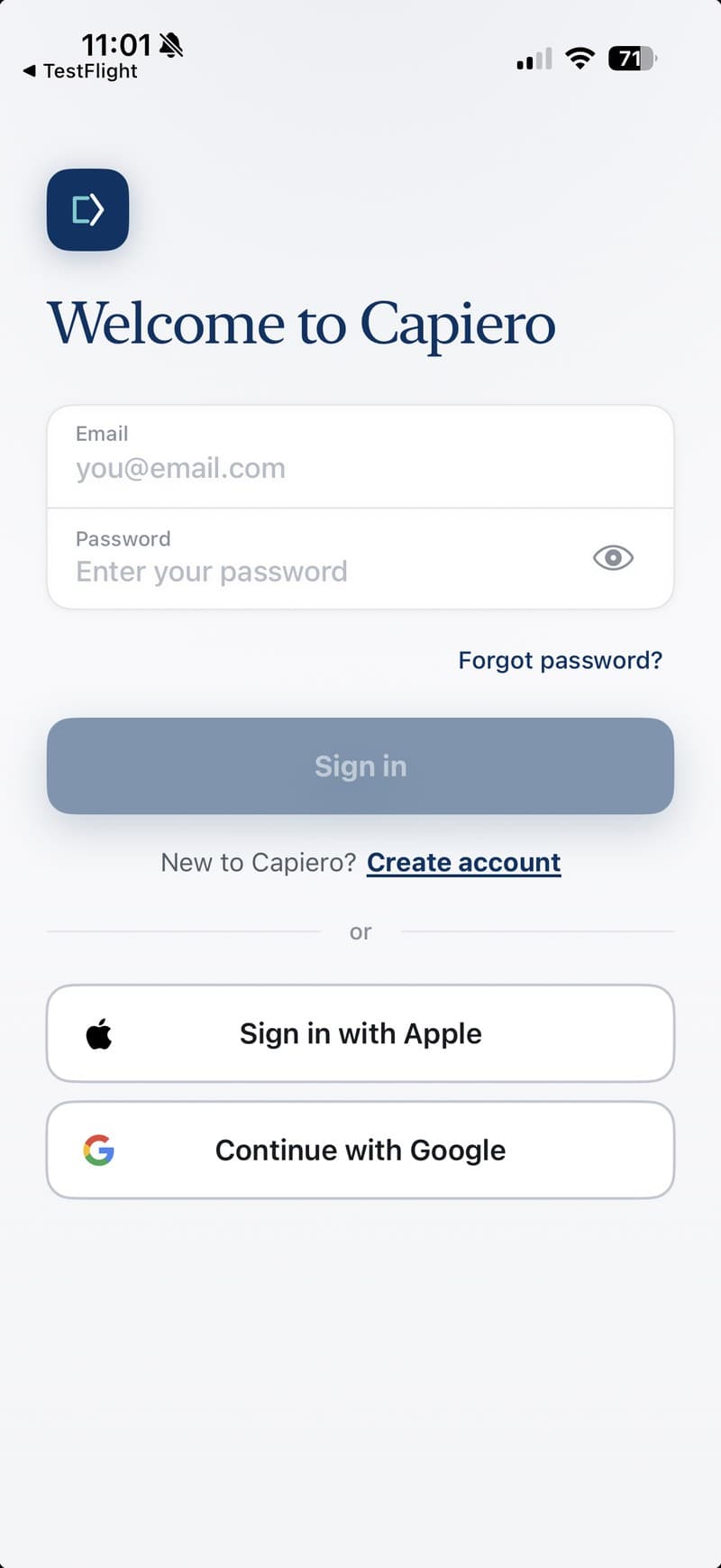
Google and Apple sign-in are now available
Create or access your Capiero account with Google or Apple — on web and iOS.
You can now sign in to Capiero with Google or Apple on both web and iOS.
It's a faster, easier way to create or access your Capiero account without
managing another password. Email and password sign-in still works too.
On iOS, sign in with Google and Apple will be available in app version 2026.0623.
iOS
New: capture receipts from your lock screen
One tap to capture a receipt before you forget.
Receipts often go missing in the gap between paying for something and remembering to
log it. Capiero's lock-screen widget helps close that gap.
Add the widget to your iPhone lock screen and jump straight to the camera. Choose a
default property, or let Capiero use the last property you opened.
Once you capture a receipt, Capiero reads it for you, just like every other receipt —
helping fill in the amount, date, vendor, description, and category.
How to add it
Long-press your lock screen, tap Customize, then add a Capiero widget.
Choose a default property — or leave it set to the last one you opened.
Tap the widget anytime to capture a receipt, even before opening the app.
iOSWeb
Capiero is live
Rental property bookkeeping, without the receipt pile.
Capiero helps independent landlords keep income, expenses, receipts, and reports
organized by property.
Snap a receipt, upload a document, or log income manually. Capiero uses AI to help
fill in the date, amount, vendor, description, and IRS category — so your books stay
cleaner with less typing.
When it's time to review your numbers or send records to your accountant, export a
clean PDF summary and CSV ledger for any property and year.
Capiero is available now on iPhone and the web — free to use, with no trial timer.
What you get
Capture receipts fast
Use the camera, share sheet, or lock-screen widget to record receipts before they
get lost.
Organize by property
Keep income, expenses, and receipts scoped to the right address.
Less typing, fewer mistakes
Capiero helps extract the key details from your receipts and documents.
Export accountant-ready reports
Generate a PDF summary and CSV ledger by property and year.